




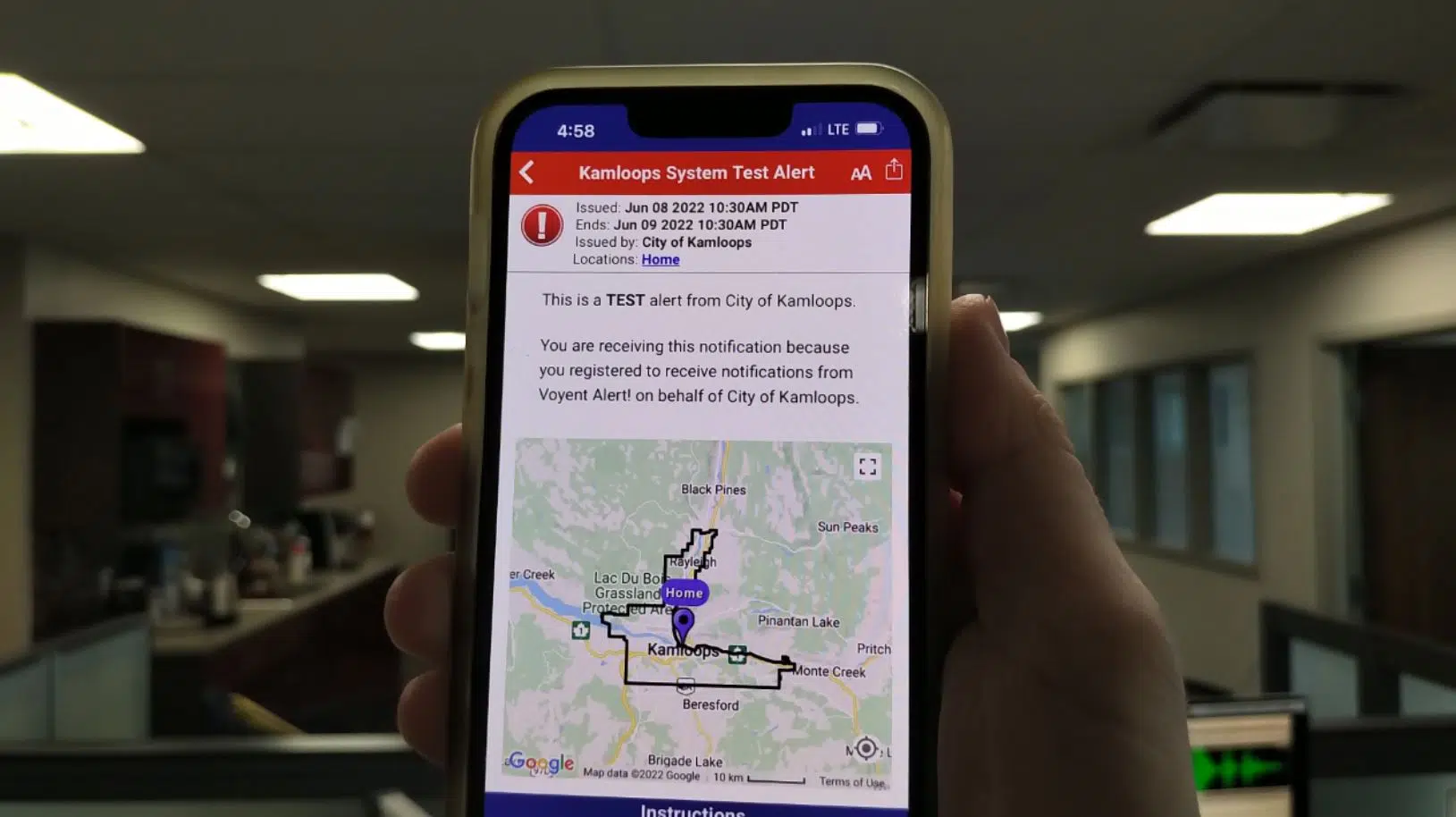
A Voyent Alert test alert in Kamloops. (Photo via Victor Kaisar)
The City of Kamloops will be looking into issues that came up during the first test of the Voyent Alert system this morning.
Communications Supervisor, Kristen Rodrigue, told NL News over 16,700 registered accounts were sent a test alert around 10:30 a.m., though some people got the alert late, or were not notified at all.
“One of the things that I have heard is ‘I got the alert but it didn’t make that really loud noise’. The Voyent Alert app requires each phone user to actually the app permission to override their do not disturb or muted settings,” she said.
Rodrigue says another reason why you may not have gotten an alert is if the location you picked was outside City boundaries.
“We can’t notify those areas. We can only notify within City limits,” she added. “Once the new version of Voyent is released, there will be a little bit more interaction there. So right now, if you want to get an alert for a location with the TNRD, you have to register though the TNRD’s Voyent Alert system.”
This was the first test conducted by the City of Kamloops during its one-year pilot of the Voyent Alert system. The agreement was signed after concerns were raised about the lack of communication from City officials during the Juniper East Fire on July 1 last year.
Over the rest of 2021 summer wildfire season, the City used the TNRD’s Voyent account on two occasions – Aug. 5 and Aug. 15 – to notify Kamloops residents about evacuation alerts in place for their neighbourhoods. It was also used to rescind those notifications on Aug. 7 and Aug. 17.
“For the first six months of our trial, we are committed to using it for emergency and critical incident notification, so if there is a wildfire or a flood. Also, if we have any unplanned water disruptions like a water main break. we’ll be using it for that,” Rodrigue told NL News in March of this year.
“Following that six months, if that is successful, we may roll it out to other uses as well.”
The City says alerts can go out by text, phone call, email, or through the Voyent Alert app itself, depending on what kind of notification people have signed up for.
“We do have an FAQ on our website that tells you how to do that,” Rodrigue added. “There are different directions whether you have an Apple phone or an Android.”
“It is pretty straightforward there and if you are still having problems, you can call into 250-828-3461 and our customer service team would be happy to try to help. If we still can’t help, we can direct you through to Voyent Alert’s customer service.”
To register for Voyent Alert, or to find the FAQ, go here.
– With files from Jeff Andreas